RiiTek Keyboard Buying Guide: Finding the Right Fit for Your Setup
2026-03-20 15:07:26
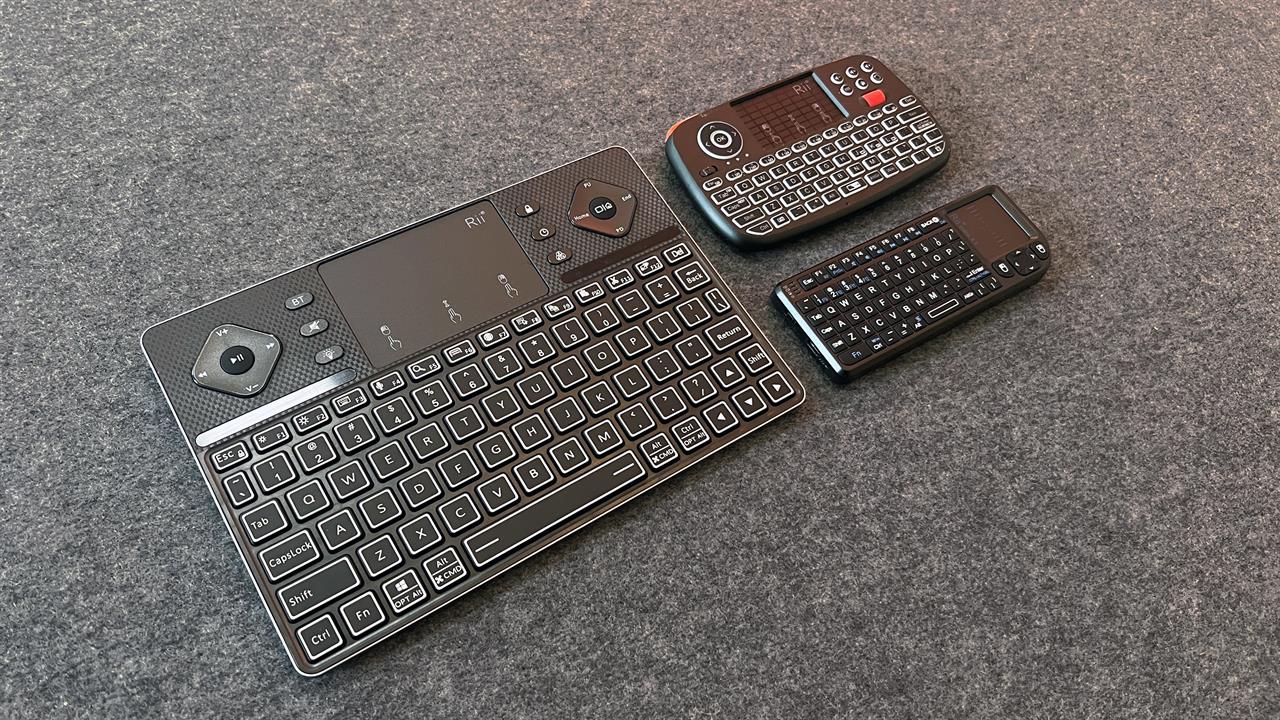
Photo: Dan Ackerman
I'm a big believer in the PC-to-TV experience. For example, my primary gaming rig right now is a gaming laptop docked and connected to my 77-inch OLED TV. For navigating the Windows OS on that TV, I've been a long-time fan of RiiTek's family of combo keyboard/touchpad devices.
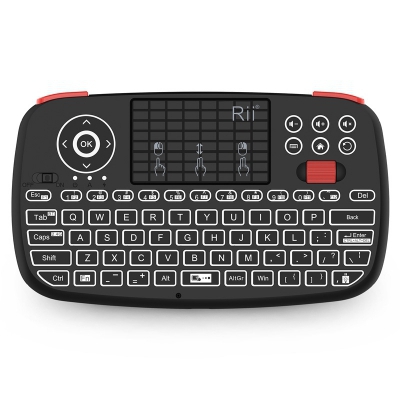
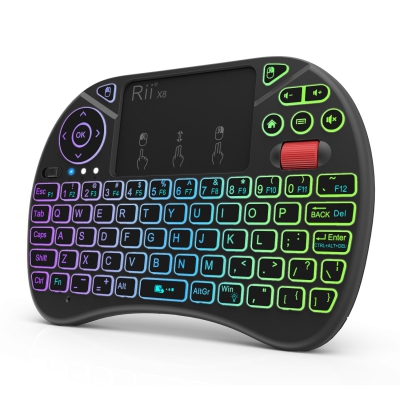
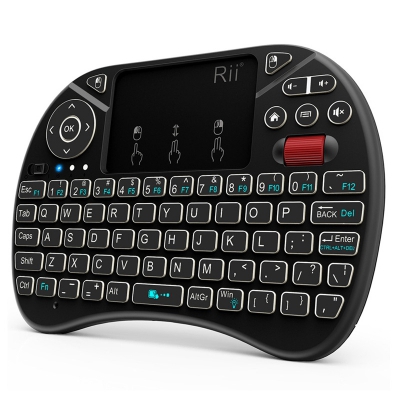
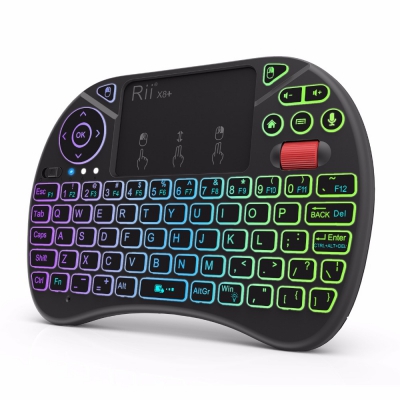
My primary daily driver for a long time has been the RiiTek i4 Mini Wireless Bluetooth Keyboard, which combines a thumb-friendly keyboard with a small but usable touchpad and shoulder-mounted mouse buttons. RiiTek has spent years perfecting this niche category by shrinking traditional input devices into forms that actually make sense for the living room, the classroom, or the travel bag.
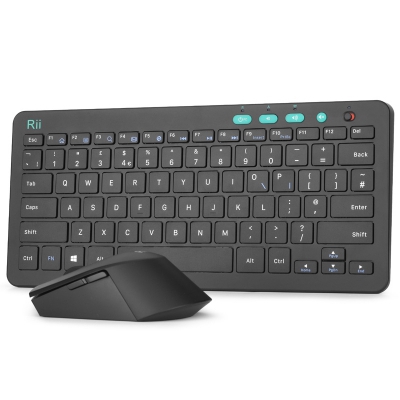
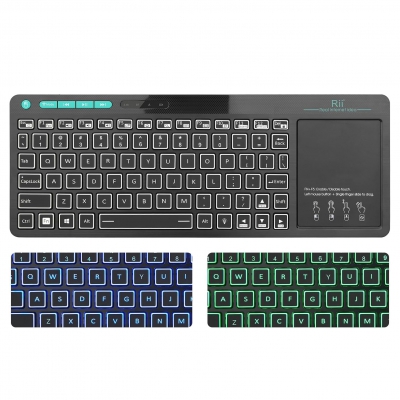
For this buying guide, I also tried out the RiiTek X1, which looks like a standard desktop keyboard/touchpad combo, but shrunk down to pocket size, and also the RiiTek K16, a bigger tablet-sized keyboard with generous multimedia controls and a large touchpad. All three have rechargeable batteries and charge via USB-C.
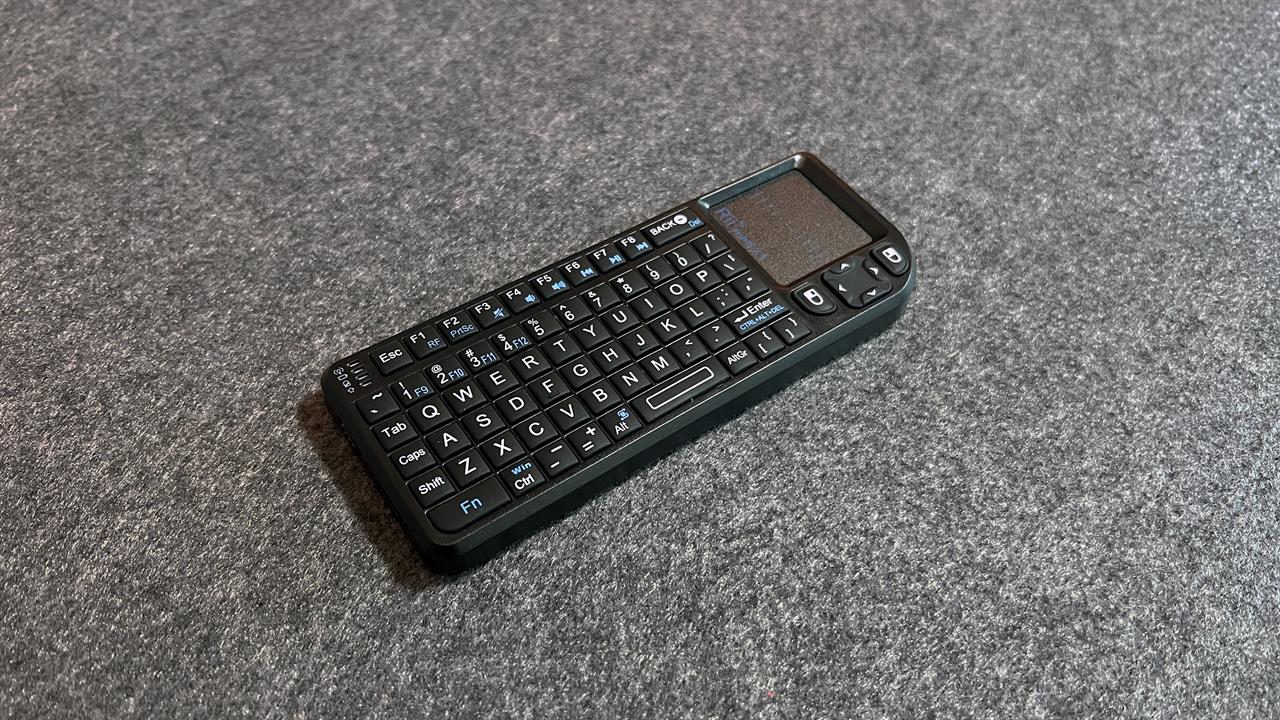
Photo: Dan Ackerman
The remote replacement: RiiTek X1
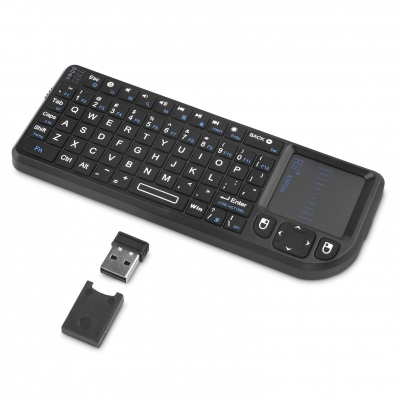
If you're looking to keep things as traditional-looking as possible, the RiiTek X1 takes the design and shape of a QWERTY keyboard plus a right-side-mounted touchpad, and shrinks it down to the size of a standard TV remote.
The standout feature here is the 90-degree flip design for the touchpad. It allows you to use the device horizontally (two-handed for typing) or vertically (one-handed like a traditional remote) to navigate menus. There's also a small directional pad and dedicated left and right mouse buttons just below the touchpad, and the pad supports two-finger scroll.
It uses a dedicated 2.4GHz USB receiver, allowing for a direct connection via dongle to your PC, or even an Xbox or PlayStation. The USB receiver is cleverly tucked into a slot right along the top edge of the device, so it's nearly impossible to lose.
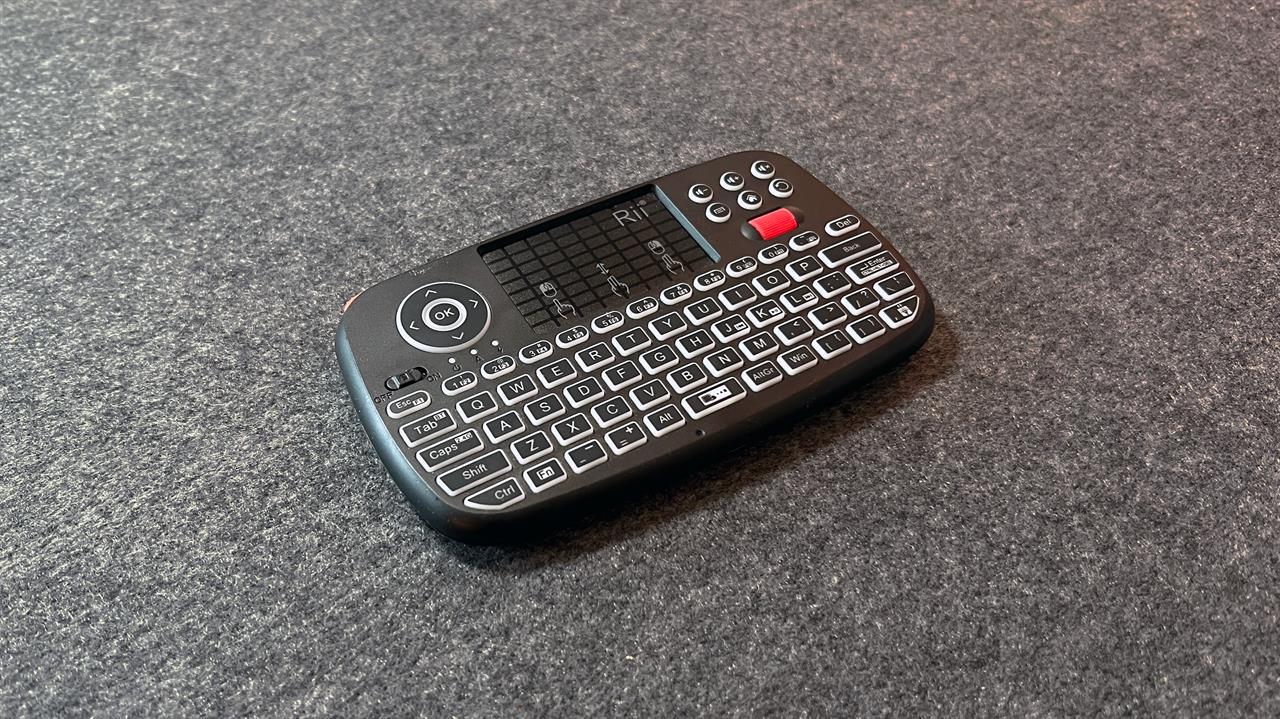
Photo: Dan Ackerman
The thumb typist's multi-tool: RiiTek i4
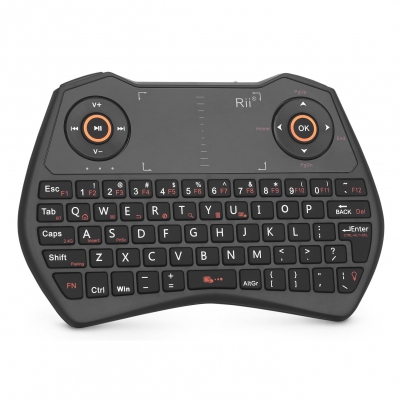
Moving up a notch in both features and ergonomics, the RiiTek i4 is what I’d recommend for most people looking to drive a PC hooked up to a TV, like I do. The size and shape are perfect for holding in two hands and using your thumbs to type on the backlit keyboard, then you simply slide your thumbs up to the mid-sized touchpad to navigate. In my case, I'm driving Windows 11, including Steam, the Xbox app, Epic Games Store, and other gaming software. The touchpad supports multi-finger gestures like two-finger tapping for a right-click and two-finger scrolling, so it'll feel familiar to any laptop user.
It's a dual-mode device, so it supports both 2.4GHz wireless (via a USB dongle) and Bluetooth 4.0. And like the X1, the dongle has a slot inside the case for storage (in this case, it's inside the rechargeable battery compartment).
What I like the most about the i4 is that it adds mouse buttons on each shoulder, similar to the left and right bumpers on a gamepad. That makes accurately clicking on buttons in Windows (or right-clicking for more options) much easier than just tapping on the touchpad. There's also a dedicated scroll wheel, four-way directional pad, and separate physical buttons for commands like volume up and down, and mute.
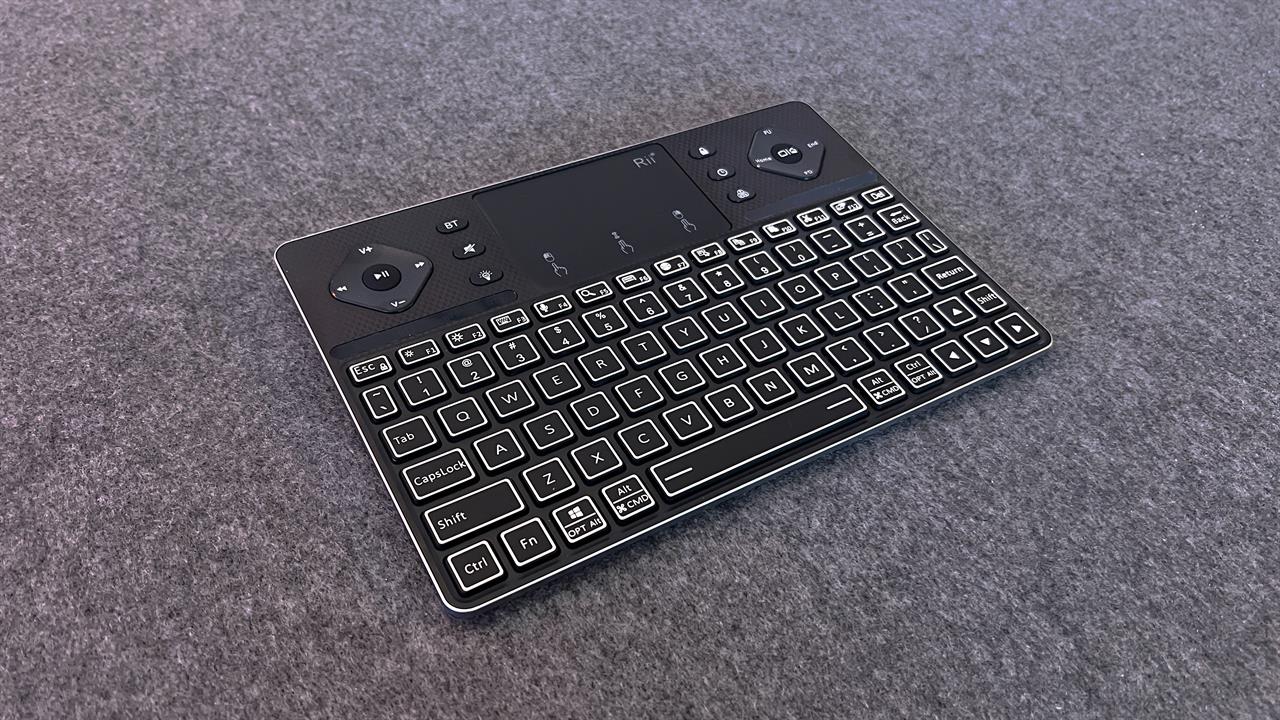
Photo: Dan Ackerman
The multimedia powerhouse: RiiTek K16
If the X1 and i4 are basically remotes that happen to have keyboards, the K16 is a keyboard that happens to be portable. It's significantly larger—roughly the footprint of a small tablet—and features an aluminum alloy case that gives it a much more premium feel.
The K16 is designed for those who actually need to do a good bit of typing but still want to stay mobile. The backlit keyboard uses scissor-switch keys, which provide a better tactile experience than the membrane keys on the smaller units. Like the i4, it’s a multi-device design, capable of pairing with three Bluetooth devices simultaneously.
The larger touchpad sits above the keyboard and also supports multi-finger gestures, but adds four-way directional pads on either side, labeled for multimedia control (play/pause, volume, etc.).
For a trickier test than just driving a PC, I connected the K16 to my Apple TV via Bluetooth and was able to use it to navigate the OS, but more importantly, I could use the keyboard for text input, from app passwords to YouTube searches.
Which RiiTek keyboard is for you?
Choosing between these really comes down to how much you need pocket-sized portability vs. gamepad-like controls vs. a comfortable laptop-style keyboard.
Go with the X1: If you need the smallest possible footprint for occasional use, like navigating a Raspberry Pi or a BIOS menu on a PC you're building.
Go with the i4: For the best all-around balance. The scroll wheel and dual-mode connectivity make it the most flexible choice for modern living rooms and home theater PCs.
Go with the K16: If you plan on doing a lot of couch typing or want something with the look and feel of a high-end home theater device, thanks to the premium feel of the aluminum chassis and the scissor-switch keys.
As always, if you want to see how these feel in the hand before you commit, stop by your local Micro Center and check them out in person.